
നെറ്റ്വർക്ക് തിരഞ്ഞെടുപ്പ്
സ്വീകരിക്കുന്ന exchange-ന്റെ deposit network എങ്ങനെ വീണ്ടും സ്ഥിരീകരിക്കാം?
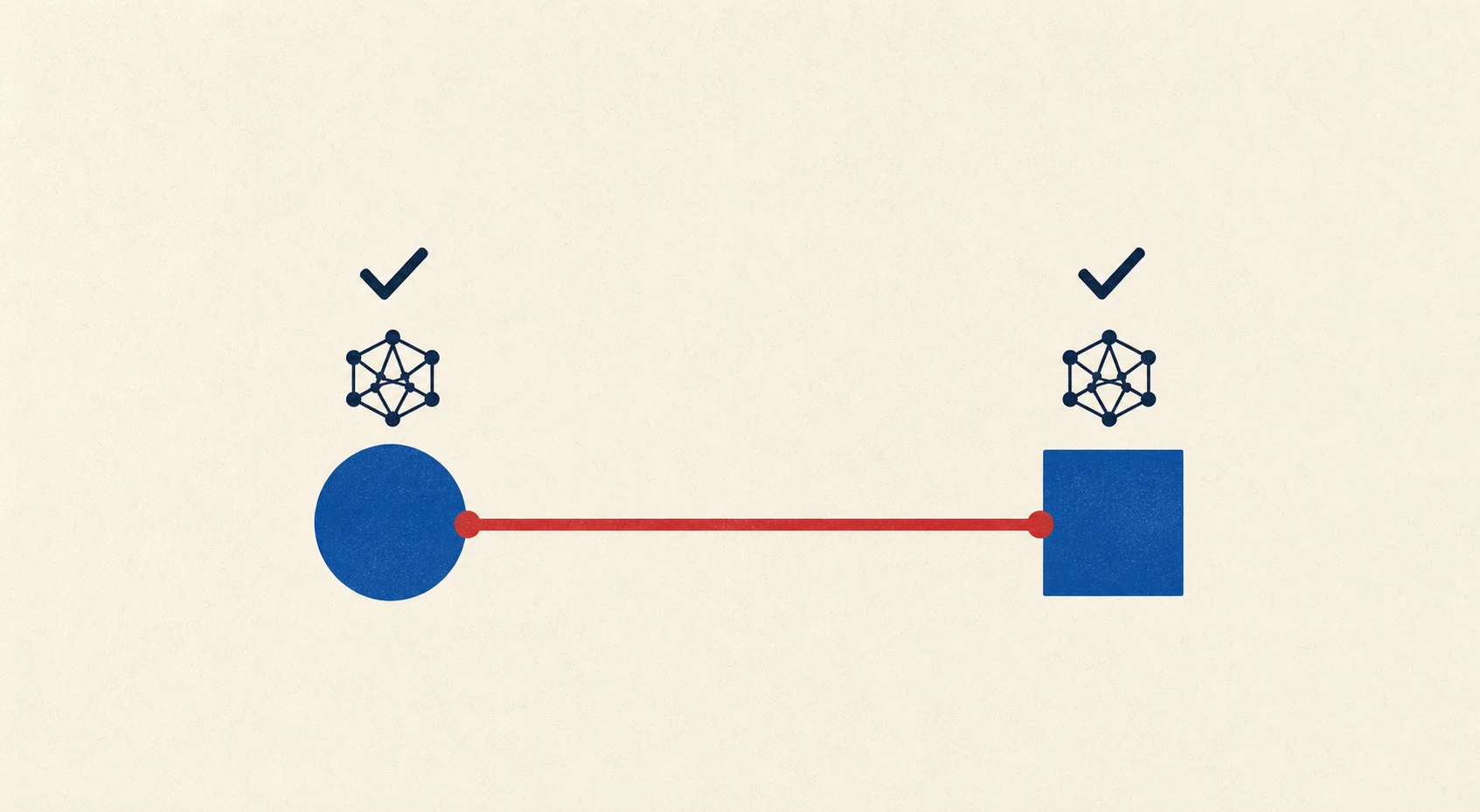
Transfer അയയ്ക്കുന്നതിന് മുമ്പ് receiving exchange-ന്റെ deposit network, address, memo/tag, minimum എന്നിവ വീണ്ടും പരിശോധിക്കുക.
പഴയ deposit detail വീണ്ടും ഉപയോഗിക്കരുത്
Exchange support, address, minimum deposit, confirmations എന്നിവ മാറാം. അതിനാൽ ഓരോ transfer-നും receiving exchange-ന്റെ പുതിയ deposit page തുറക്കുക.
വീണ്ടും സ്ഥിരീകരിക്കേണ്ട ക്രമം
- Receiving account-ൽ ശരിയായ asset തിരഞ്ഞെടുക്കുക.
- Network list-ൽ നിന്ന് receiving side പിന്തുണയ്ക്കുന്ന network വായിക്കുക.
- Address പുതുതായി copy ചെയ്യുക; ആദ്യവും മധ്യവും അവസാനവും താരതമ്യം ചെയ്യുക.
- Memo, Tag, Destination Tag field ഉണ്ടോ നോക്കുക.
- Minimum deposit, required confirmations, suspended deposit warning എന്നിവ വായിക്കുക.
- Sending platform confirmation page-ൽ exact same network തിരഞ്ഞെടുക്കുക.
QR code ഉപയോഗിച്ചാലും network label വീണ്ടും പരിശോധിക്കണം. Address book entry പഴയതാണെങ്കിൽ receiving page-ലെ current detail-ുമായി താരതമ്യം ചെയ്യുക.
നിർത്തേണ്ട സാഹചര്യങ്ങൾ
- Deposit network temporary suspended.
- Asset name ഒരേ ആയിട്ടും contract അല്ലെങ്കിൽ network വ്യത്യസ്തം.
- Memo/Tag requirement വ്യക്തമല്ല.
- Minimum-നേക്കാൾ കുറവ് receiver gets.
Binance deposit/withdrawal guide network match നിർബന്ധമാണെന്ന് വ്യക്തമാക്കുന്നു. 2026-07-27-ന് source പരിശോധിച്ചു.
Binance സ്വമേധയാ ഉപയോഗിക്കുന്നവർക്ക് BN8812 invite code പരിശോധിക്കാം. Referral benefit ലഭിക്കാം; offer, eligibility, fee discount എന്നിവയ്ക്ക് ഉറപ്പ് ഇല്ല.
Deposit page ഓരോ ഇടപാടിനും പുതുതായി തുറക്കണം. പഴയ screenshot, address book entry, fee estimate എന്നിവ മാത്രം ആശ്രയിക്കരുത്. Receiving platform കാണിക്കുന്ന network, address, Memo അല്ലെങ്കിൽ Tag, minimum deposit, confirmation requirement എന്നിവ അയക്കുന്ന platform-ിലെ വിവരങ്ങളുമായി പൂർണ്ണമായി പൊരുത്തപ്പെടണം.
പഴയ address മാത്രം ആശ്രയിക്കരുത്
Exchange network support, minimum deposit, confirmation requirement എന്നിവ മാറ്റാം. Address പഴയതുപോലെ തന്നെയായാലും ആ network temporary suspended ആയിരിക്കാം. ഓരോ transfer-നും receiving platform-ൽ asset തിരഞ്ഞെടുക്കുകയും പുതിയ Deposit page തുറക്കുകയും വേണം.
Receiving page, sending confirmation page എന്നിവ ഒപ്പം വെച്ച് asset name, മുഴുവൻ network name, address-ന്റെ എല്ലാ അക്ഷരങ്ങളും, Memo/Tag, amount, fee, receiver gets എന്നിവ താരതമ്യം ചെയ്യുക. ERC20 സ്വീകരിക്കുന്ന address 0x ആണെന്ന് കണ്ടിട്ട് BEP20 തിരഞ്ഞെടുക്കുന്നത് സുരക്ഷിതമല്ല; രണ്ട് chain-ലും format ഒരുപോലെയായേക്കാം.
Deposit page address upgrade, smart-contract deposit restriction, maintenance notice എന്നിവ കാണിച്ചാൽ transfer നിർത്തുക. Current page ആണ് ഈ transaction-ന്റെ specification; പഴയ screenshot അല്ലെങ്കിൽ address book അല്ല.
ഔദ്യോഗിക ഉറവിടങ്ങൾ
താഴെയുള്ള ഔദ്യോഗിക രേഖകൾ 2026-08-02-ന് പരിശോധിച്ചു. Platform policy, supported network, fee എന്നിവ transaction സമയത്ത് വീണ്ടും പരിശോധിക്കുക.