
പ്രശ്നപരിഹാരം
USDT അല്ലെങ്കിൽ USDC എത്തിയില്ലെങ്കിൽ TXID ഉപയോഗിച്ച് എങ്ങനെ പരിശോധിക്കാം?
Withdrawal history മുതൽ ശരിയായ block explorer വരെ: TXID ഇല്ല, pending, successful, failed, wrong network എന്നീ സാഹചര്യങ്ങൾ വേർതിരിച്ച് പരിശോധിക്കുന്ന മലയാളം flow.
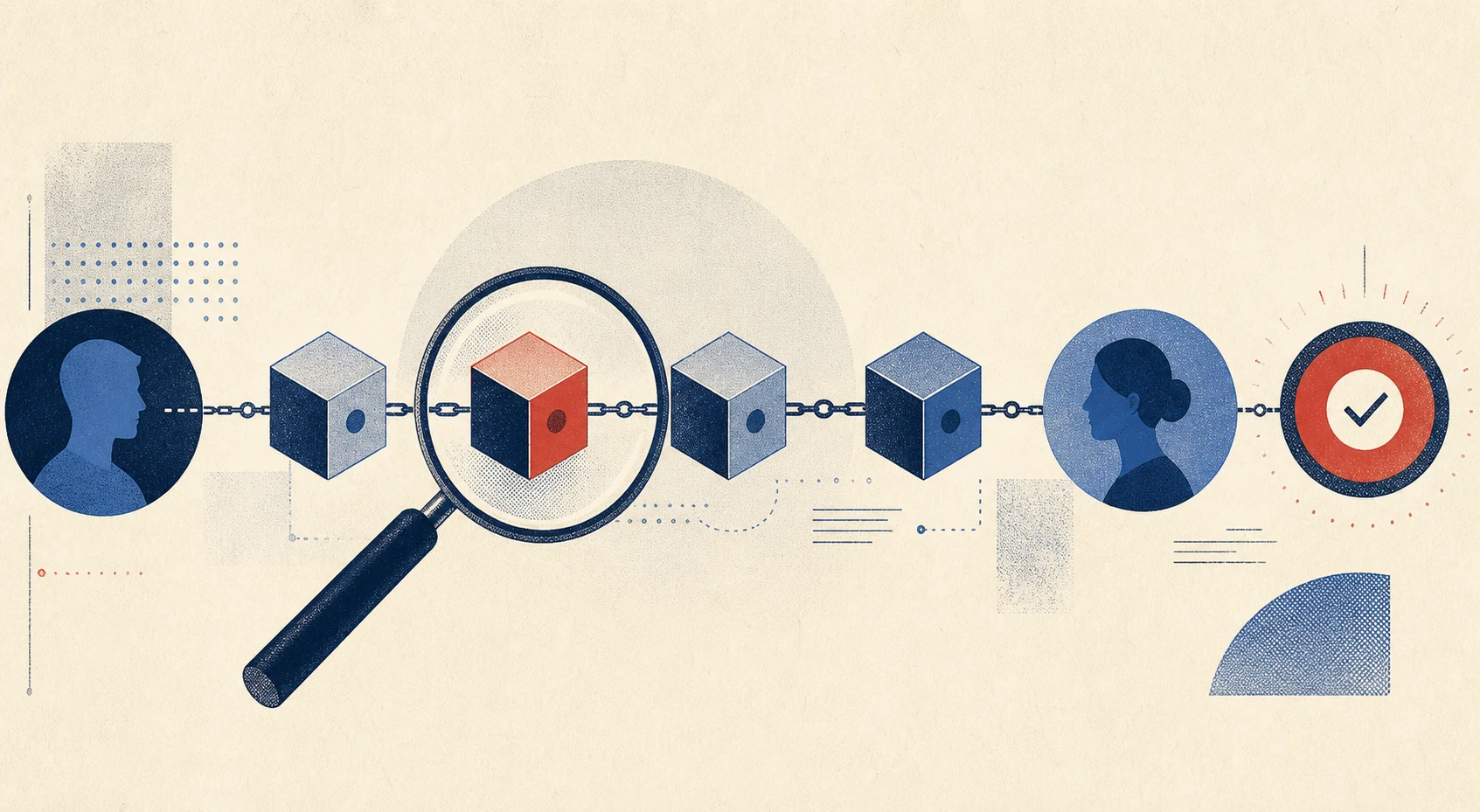
ആദ്യം മറ്റൊരു transaction അയക്കരുത്
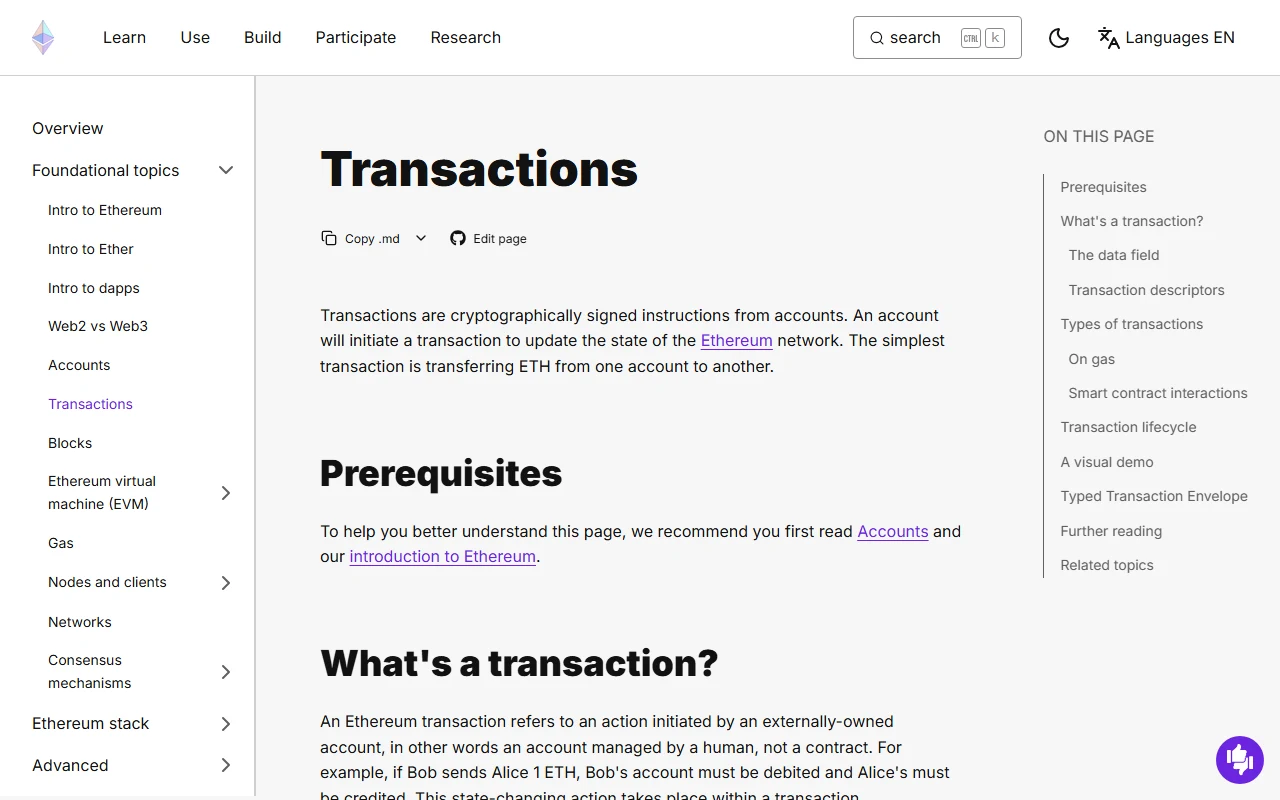
ചിത്രം: Ethereum.org Transactions, 2026-07-27-ന് പകർത്തിയ fact-check screenshot.
Balance ഉടൻ കാണാത്തപ്പോൾ അതേ address-ലേക്ക് വീണ്ടും വലിയ തുക അയക്കുന്നത് പ്രശ്നം വലുതാക്കാം. ആദ്യം അയക്കുന്ന platform-ന്റെ withdrawal history തുറന്ന് status, network, amount, address, TXID എന്നിവ ശേഖരിക്കുക. TXID blockchain-ലേക്ക് broadcast ചെയ്ത transaction-ന്റെ തിരിച്ചറിയൽ hash ആണ്; ശരിയായ explorer-ൽ അത് തിരയുമ്പോൾ on-chain സ്ഥിതി മനസ്സിലാക്കാം.
ഘട്ടം 1: Withdrawal history status നോക്കുക
TXID ഇനിയും ഇല്ല
“Processing”, “Awaiting approval”, “Security review” പോലുള്ള status ഉം TXID ഇല്ലാത്തതും transaction blockchain-ലേക്ക് broadcast ചെയ്തിട്ടില്ലെന്ന സൂചനയായേക്കാം. ഈ ഘട്ടത്തിൽ block explorer-ൽ ഒന്നും കാണില്ല. അയക്കുന്ന platform-ന്റെ official status page/maintenance notice പരിശോധിക്കുക. സാധാരണ processing സമയത്തെക്കാൾ ഏറെ വൈകിയാൽ internal withdrawal reference സഹിതം official support-നെ സമീപിക്കുക.
TXID ലഭിച്ചു
TXID ലഭിച്ചാൽ network അനുസരിച്ച ശരിയായ explorer തിരഞ്ഞെടുക്കുക. Ethereum/EVM transaction-ുകൾക്ക് ബന്ധപ്പെട്ട chain explorer, Tron-ന് Tronscan, Solana-യ്ക്ക് Solana Explorer എന്നിങ്ങനെ. Search advertisement വഴി തുറക്കുന്ന clone explorer ഒഴിവാക്കാൻ ഔദ്യോഗിക project link അല്ലെങ്കിൽ platform-ൽ നൽകിയ explorer link ഉപയോഗിക്കുക.
ഘട്ടം 2: Explorer status വായിക്കുക
Pending
Pending എന്നത് transaction ഇതുവരെ block-ൽ ഉൾപ്പെട്ടിട്ടില്ലെന്ന് സൂചിപ്പിക്കുന്നു. Ethereum പോലുള്ള network-ുകളിൽ congestion അല്ലെങ്കിൽ വളരെ കുറഞ്ഞ gas setting കാരണം വൈകാം. Custodial exchange withdrawal ആണെങ്കിൽ സ്വയം nonce മാറ്റുകയോ replace transaction ചെയ്യുകയോ ചെയ്യരുത്; exchange status കാത്തിരിക്കുക അല്ലെങ്കിൽ support-നെ സമീപിക്കുക.
Successful / Confirmed
Successful എന്നത് transaction chain-ൽ നടപ്പായി എന്നതാണ്; receiving exchange account-ൽ credit ആയി എന്നതിന് അതേ അർത്ഥമല്ല. താഴെയുള്ള വിവരങ്ങൾ ഒന്ന് വീതം പരിശോധിക്കുക:
- Explorer കാണിക്കുന്ന chain നിങ്ങൾ ഉദ്ദേശിച്ചതാണോ?
- Token transfer ഭാഗത്ത് USDT/USDC contract ഔദ്യോഗിക contract-നോട് പൊരുത്തപ്പെടുന്നുണ്ടോ?
Toഅല്ലെങ്കിൽ token recipient address receiving deposit address-നോട് കൃത്യമായി പൊരുത്തപ്പെടുന്നുണ്ടോ?- Amount minimum deposit-നെക്കാൾ കൂടുതലാണോ?
- Receiving platform ആവശ്യപ്പെടുന്ന confirmations പൂർത്തിയായോ?
- Memo/Tag ആവശ്യമായ asset ആണെങ്കിൽ അത് നൽകിയോ?
എല്ലാം ശരിയാണെങ്കിലും balance കാണുന്നില്ലെങ്കിൽ receiving platform-ന്റെ credit queue അല്ലെങ്കിൽ maintenance കാരണമാകാം. TXID, network, token, amount, deposit address, transaction time എന്നിവ support ticket-ൽ നൽകുക.
Failed / Reverted / Dropped
Failed അല്ലെങ്കിൽ reverted status-ൽ token സാധാരണയായി ലക്ഷ്യവിലാസത്തിലേക്ക് എത്തിയിട്ടില്ല; gas fee ചെലവായിരിക്കാം. Dropped transaction പിന്നീട് replacement ആയി കാണാമെന്നതിനാൽ explorer-ൽ replacement hash ഉണ്ടോ പരിശോധിക്കുക. Custodial platform-ിൽ balance refund എപ്പോൾ വരും എന്നത് അതിന്റെ support policy അനുസരിക്കും.
ഘട്ടം 3: Wrong network സംശയമുണ്ടെങ്കിൽ
Address ശരിയായിരിക്കാം, പക്ഷേ token തെറ്റായ chain-ൽ ഉണ്ടായേക്കാം. ചില EVM wallet-ുകളിൽ network മാറ്റുമ്പോൾ token കാണാൻ സാധിക്കും; exchange deposit ആണെങ്കിൽ ആ chain credit ചെയ്യുമോ എന്നത് platform തീരുമാനിക്കും. Recovery ഉറപ്പില്ല. Token വീണ്ടെടുക്കാമെന്ന് പറഞ്ഞ് seed phrase ചോദിക്കുന്ന social-media account-ുകളെ വിശ്വസിക്കരുത്.
Self-custody wallet ആയാലും പരിചയമില്ലെങ്കിൽ private key മറ്റൊരു website-ൽ import ചെയ്യരുത്. ഔദ്യോഗിക wallet documentation വായിക്കുക; വലിയ തുകയാണെങ്കിൽ വിശ്വസനീയമായ സാങ്കേതിക വിദഗ്ധന്റെ സഹായം തേടുക. Custodial platform ആണെങ്കിൽ ഔദ്യോഗിക support ഒഴികെ ആര്ക്കും account access നൽകരുത്.
Support ticket checklist
- Token: USDT അല്ലെങ്കിൽ USDC
- Network: പൂർണ്ണ പേര്
- TXID അല്ലെങ്കിൽ withdrawal reference
- Amount, date, ഏകദേശ സമയം
- Sending platform, receiving platform
- Receiving address-ന്റെ ആദ്യവും അവസാനവും ചില അക്ഷരങ്ങൾ
- Explorer link
Seed phrase, private key, OTP, API secret, password എന്നിവ ഉൾപ്പെടുത്തരുത്. Public TXID wallet activity വെളിപ്പെടുത്താൻ സാധ്യതയുള്ളതിനാൽ ആവശ്യമായ support channel-ൽ മാത്രം പങ്കിടുക.
പരിശോധിച്ച ഔദ്യോഗിക ഉറവിടങ്ങൾ
- Binance Academy: Transaction ID (TXID)
- Etherscan: Viewing Transactions on Etherscan
- Etherscan: What Is a Pending Transaction?
- Binance: Deposit/Withdrawal Guide
ഈ ലേഖനം പൊതുവായ troubleshooting guide മാത്രമാണ്. Recovery ഉറപ്പ് നൽകുന്നില്ല; support ആവശ്യത്തിന് official platform channel മാത്രം ഉപയോഗിക്കുക.
പ്രശ്നം മൂന്ന് ഘട്ടമായി വേർതിരിക്കുക
TXID ഇല്ലെങ്കിൽ sending platform ഘട്ടത്തിലാണ്: Processing, Review, internal transfer എന്നിവ പരിശോധിക്കുക. TXID ഉണ്ടെങ്കിൽ ശരിയായ explorer-ൽ Pending, Failed, Success നോക്കുക. Chain Success കഴിഞ്ഞാൽ receiving platform confirmations, token recognition, account credit എന്നിവ വേറെ ഘട്ടമാണ്.
Explorer-ൽ Chain, Status, To, Token Transfers, Amount, contract, confirmations പരിശോധിക്കുക. Success label മാത്രം നോക്കരുത്; ശരിയായ USDT/USDC transfer event ഉണ്ടായോ എന്ന് കാണണം.
Pending ആണെങ്കിൽ duplicate send ചെയ്യരുത്. Failed ആണെങ്കിൽ token balance മാറിയോ gas മാത്രം ചെലവായോ നോക്കുക. Success but no credit ആണെങ്കിൽ minimum, Memo/Tag, network support, contract variant, maintenance എന്നിവ പരിശോധിക്കുക. Support ticket-ിന് TXID, order ID, time നൽകാം; seed phrase, private key, OTP നൽകരുത്.
ഔദ്യോഗിക ഉറവിടങ്ങൾ
താഴെയുള്ള ഔദ്യോഗിക രേഖകൾ 2026-08-02-ന് പരിശോധിച്ചു. Platform policy, supported network, fee എന്നിവ transaction സമയത്ത് വീണ്ടും പരിശോധിക്കുക.